 The Convertavo app
Every file tool, one tap away
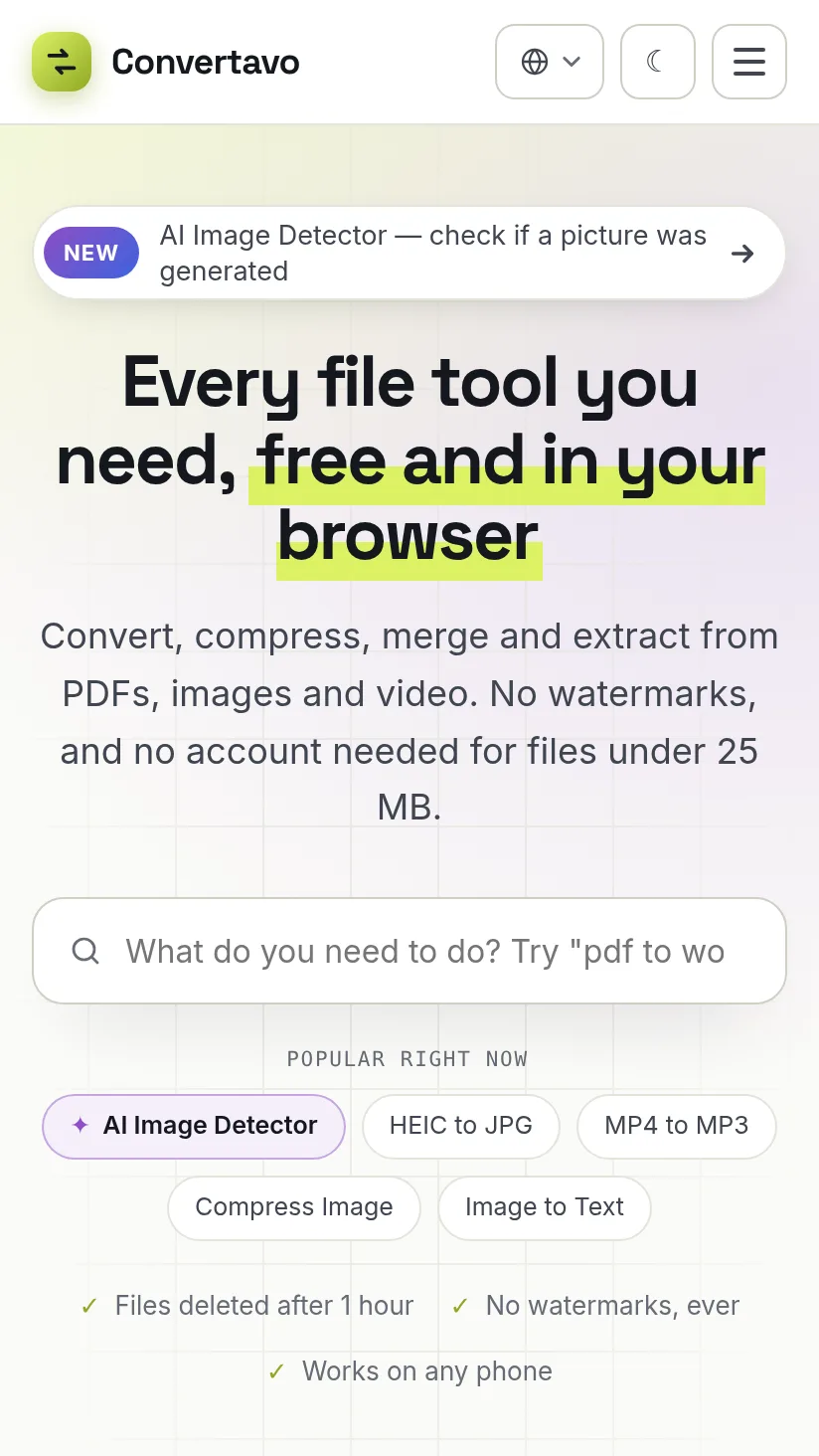
Install Convertavo on your phone or computer. It opens full-screen from your home screen, takes files straight from your gallery or files app, and stays up to date by itself — free, with no app store and almost no space used.
Why install it
The same tools as the website — just quicker to reach and nicer to use.
On your home screen
Opens in its own window, without tabs or the address bar. Long-press the icon to jump straight to Compress PDF, PDF to Word and more.
Share files to it
On Android, share a photo, PDF or video from any app and pick Convertavo — it shows the tools that can open it.
Open files with it
On Windows, Mac and ChromeOS, right-click a PDF or picture and choose Open with → Convertavo.
Always up to date
New tools and fixes arrive by themselves. Nothing to download from a store, and it takes up almost no space.
Just as private
No extra permissions. A shared file stays on your device until you pick a tool, and uploads are deleted within an hour.
Fast on any connection
The app keeps its design and icons on your device, so pages open quickly — and it tells you plainly when you’re offline.
How to install
Takes about ten seconds. Pick your device:
- Open convertavo.com in Chrome (or Samsung Internet, Edge).
- Tap Install on the banner — or open the browser menu ⋮ and tap Install app / Add to Home screen.
- Tap Install. Convertavo appears with your other apps, and in your share menu.
- Open convertavo.com in Safari.
- Tap the Share button (the square with an arrow pointing up) in the toolbar.
- Scroll down, tap Add to Home Screen, then Add.
- Open convertavo.com in Chrome or Edge.
- Click the install icon at the right end of the address bar — or open the menu and choose Install Convertavo (Edge: Apps → Install this site as an app).
- Click Install. Convertavo gets its own window, a Start menu / Dock icon, and appears under Open with for PDFs and pictures.
Questions
Is the app free?
Yes. It is the same Convertavo as the website, with the same free tools and the same plans. Installing it costs nothing and needs no account.
Why isn’t it in the Play Store or App Store?
It installs straight from the website as a web app, so it is always the latest version, takes almost no space, and needs no store account or permissions.
Does it work offline?
Converting files happens on our servers, so you need a connection for that. When you are offline the app says so clearly and reloads by itself once you are back online.
How do I remove it?
Like any app: long-press the icon and choose Uninstall or Remove. On a computer, open the app’s menu and choose Uninstall.