Guides and explainers
Practical writing about file formats, conversion, AI images and the small details that trip people up — from the team that builds the tools.
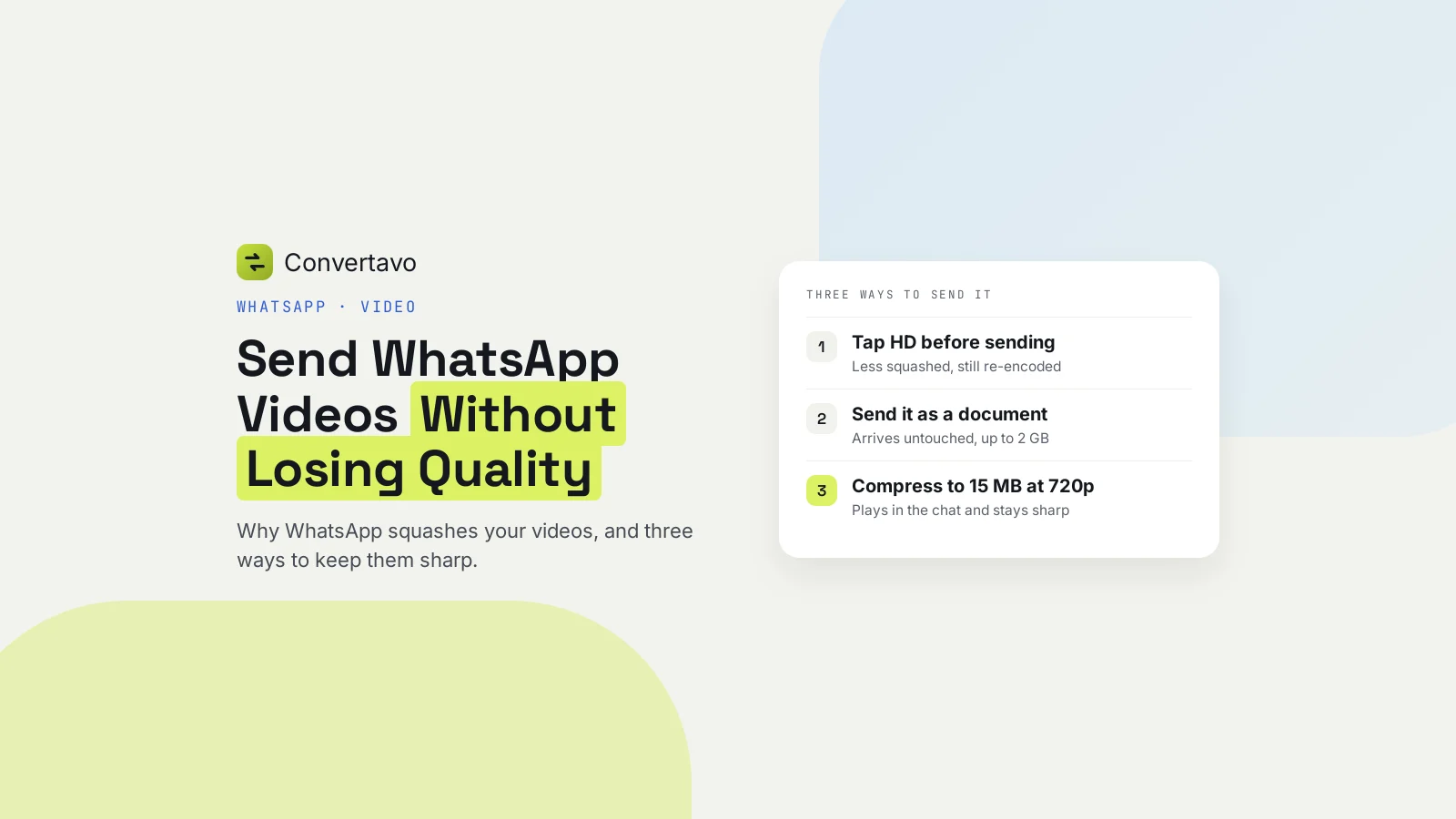
How to Send a Video on WhatsApp Without Losing Quality
Why WhatsApp makes your videos blurry, its real size limits, and three ways to send a video without losing quality: tap HD, send it as a document, or compress it yourself first.
 Noman Mustafa · 10 min read
More articles
 Guides
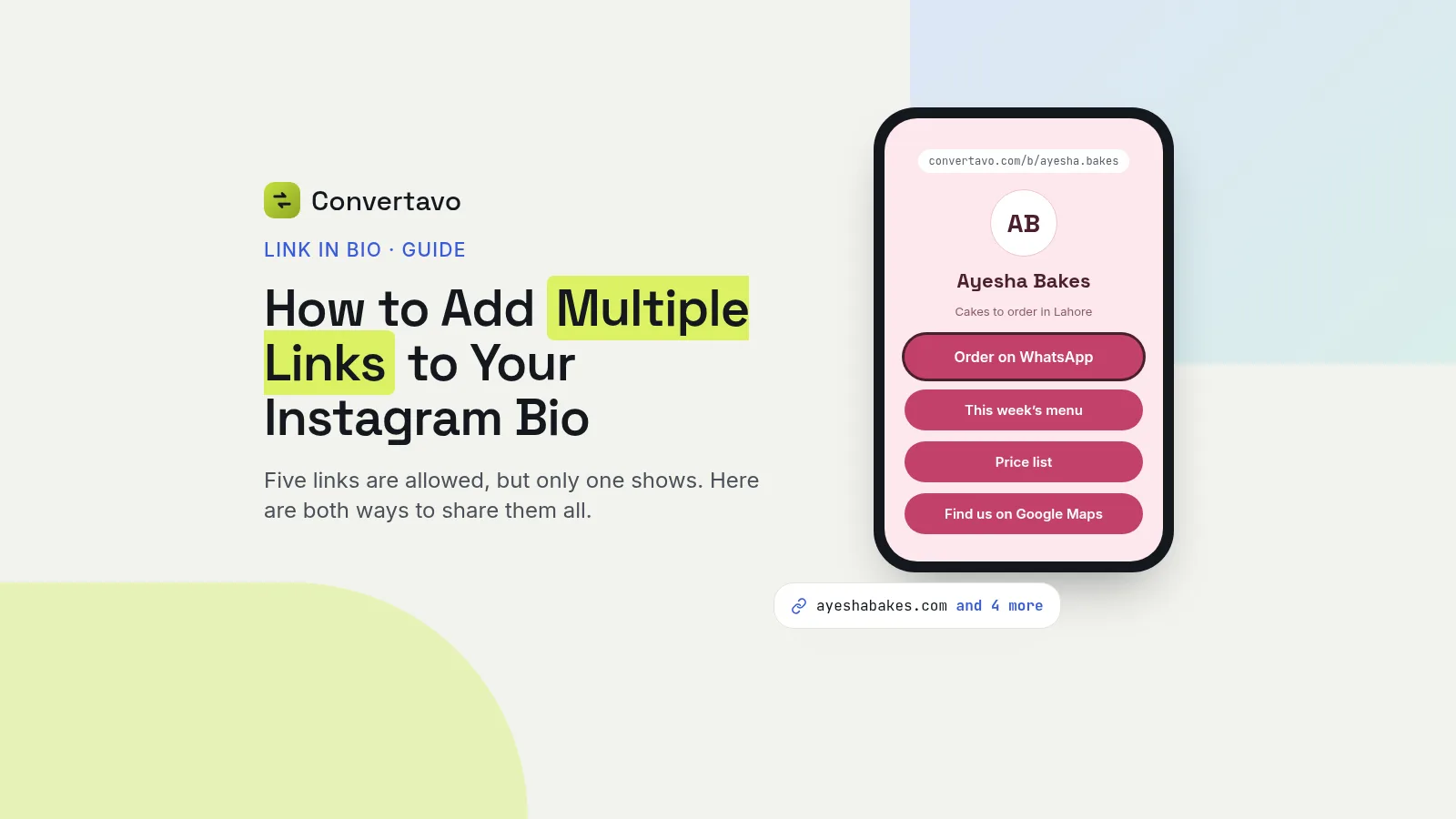
How to Add Multiple Links to Your Instagram Bio
Instagram allows five links, but only the first one shows on your profile. Here is how to add them, and how to put every link on one page instead.
Noman Mustafa
·
·
10 min read
 OCR
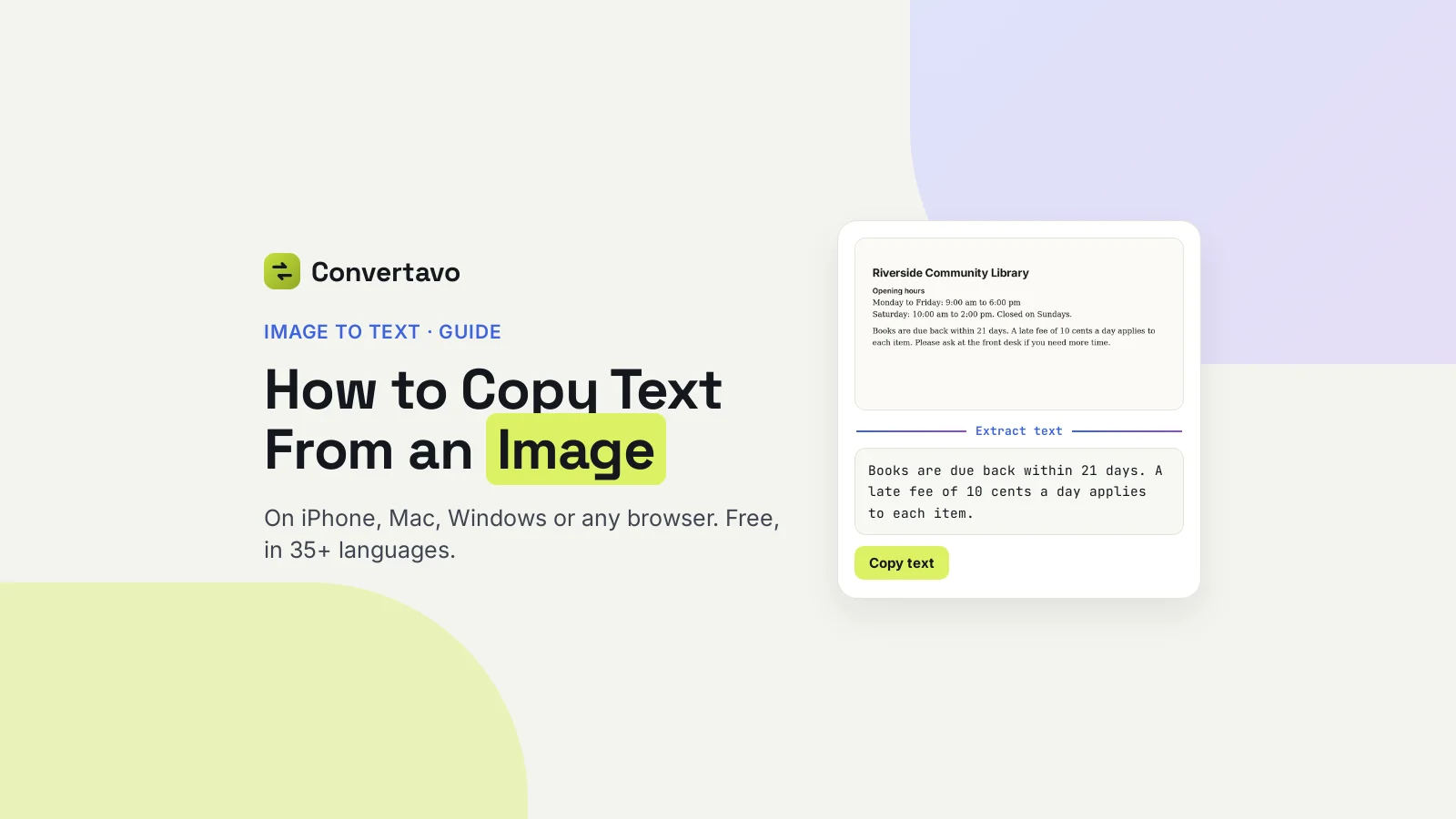
How to Copy Text From an Image
Copy text from any image in seconds: the built-in way on iPhone, Mac and Windows, a free reader for 35+ languages, and how to fix a bad result.
Noman Mustafa
·
·
10 min read
 Guides
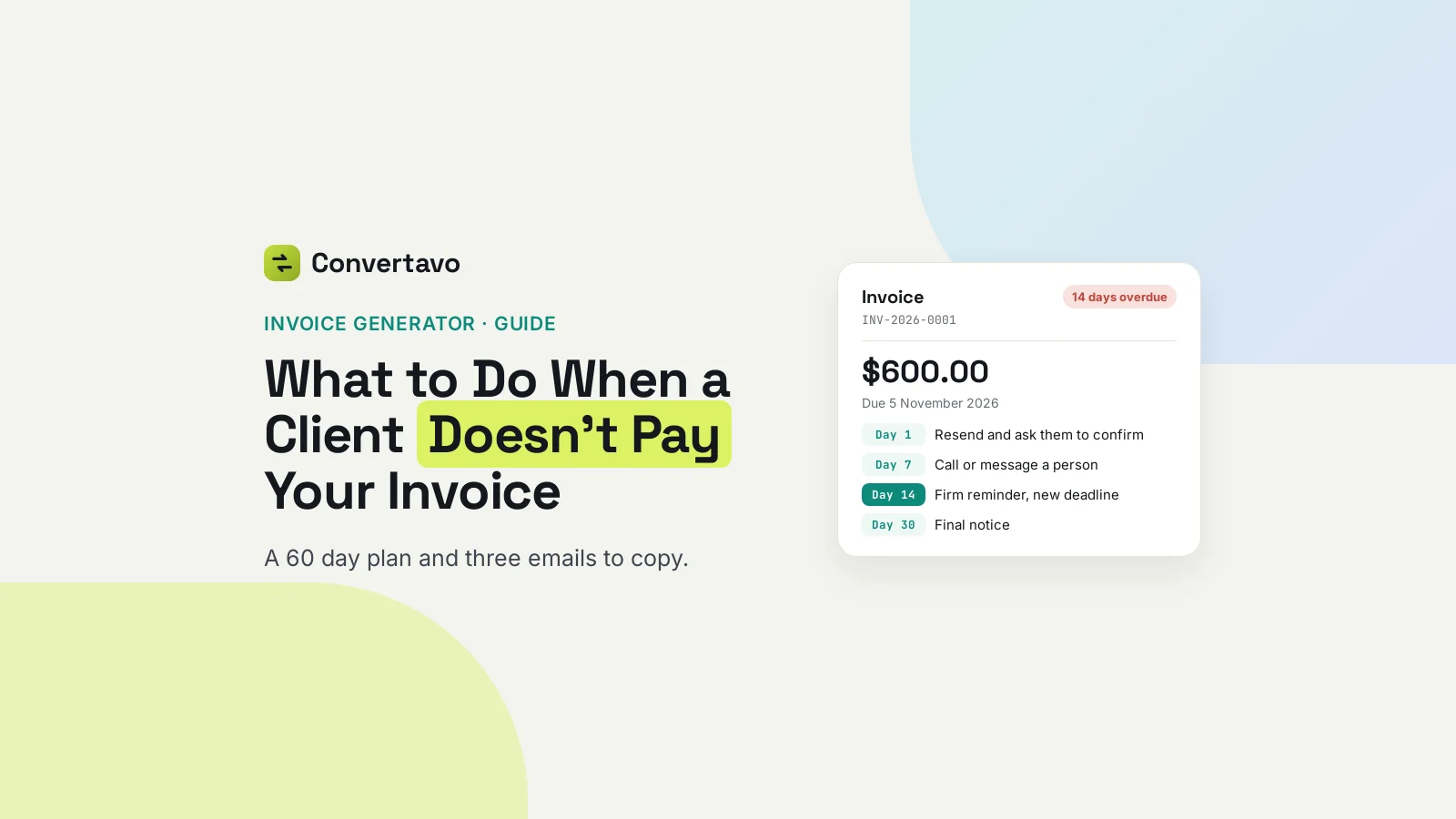
What to Do When a Client Doesn't Pay Your Invoice
A client hasn't paid your invoice. Here is what to send on day 1, day 7 and day 30, three emails to copy, and the interest and fees you may add.
Noman Mustafa
·
·
9 min read
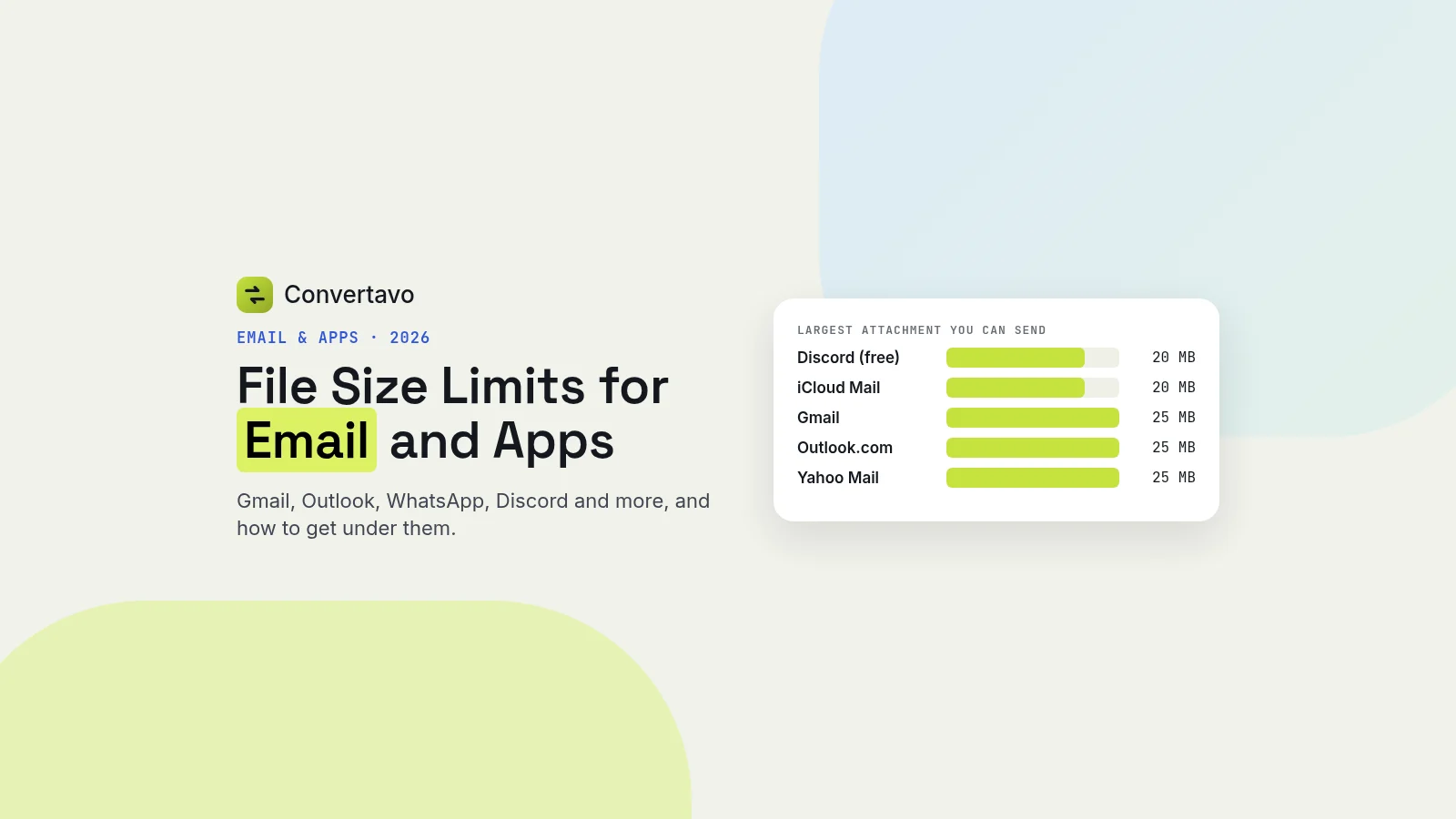 Guides
File Size Limits for Email and Apps in 2026: Gmail, Outlook, WhatsApp, Discord
The current file size limits for Gmail, Outlook, Yahoo, iCloud, Discord, Slack, WhatsApp and Telegram in one table, why a file under the limit can still bounce, and how to get it small enough.
Noman Mustafa
·
·
5 min read
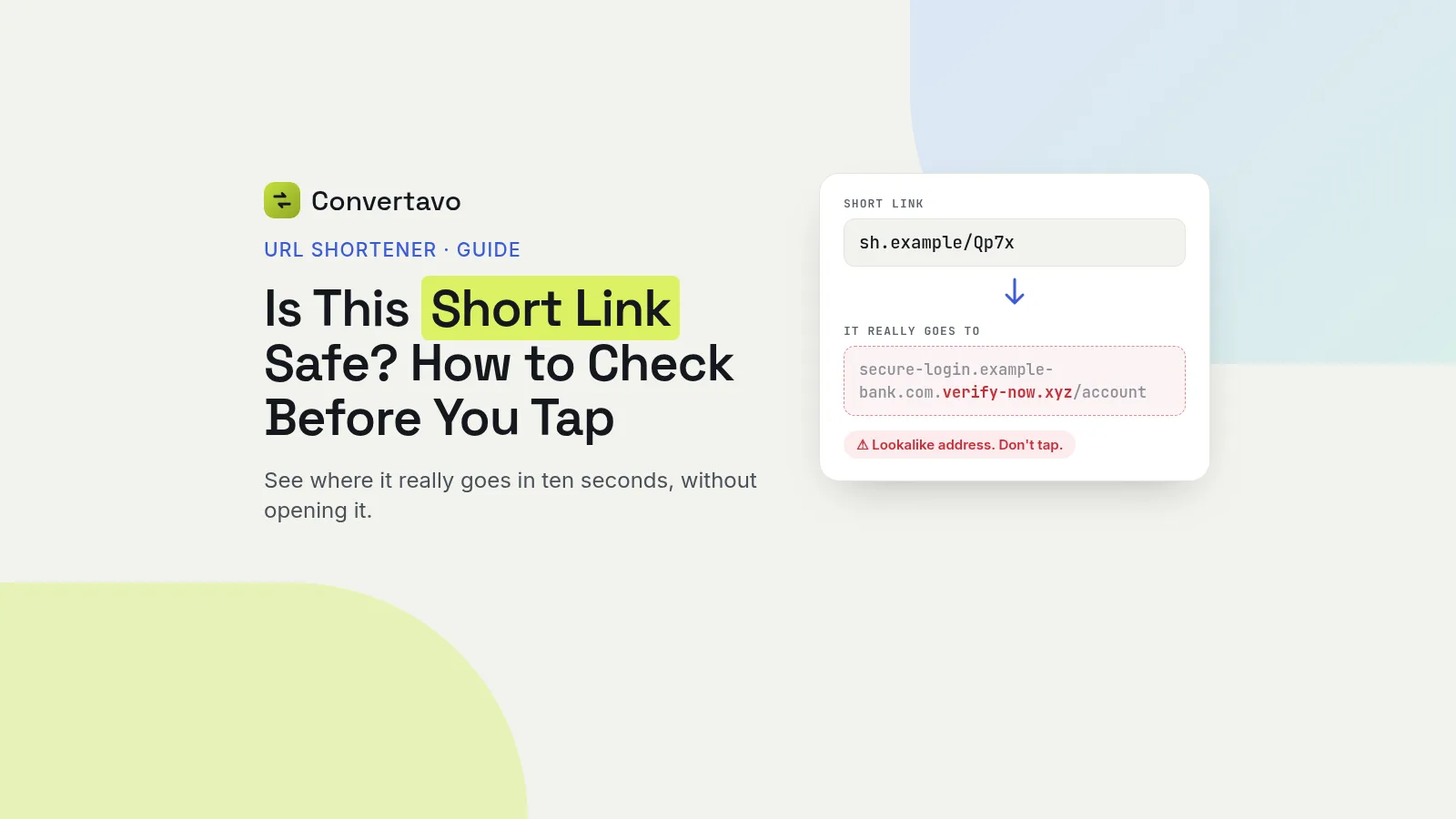 Guides
Is This Short Link Safe? How to Check Before You Tap
Got a short link you do not trust? See where it really goes before you tap, the red flags to look for, and why a link that was safe yesterday can change.
Noman Mustafa
·
·
9 min read
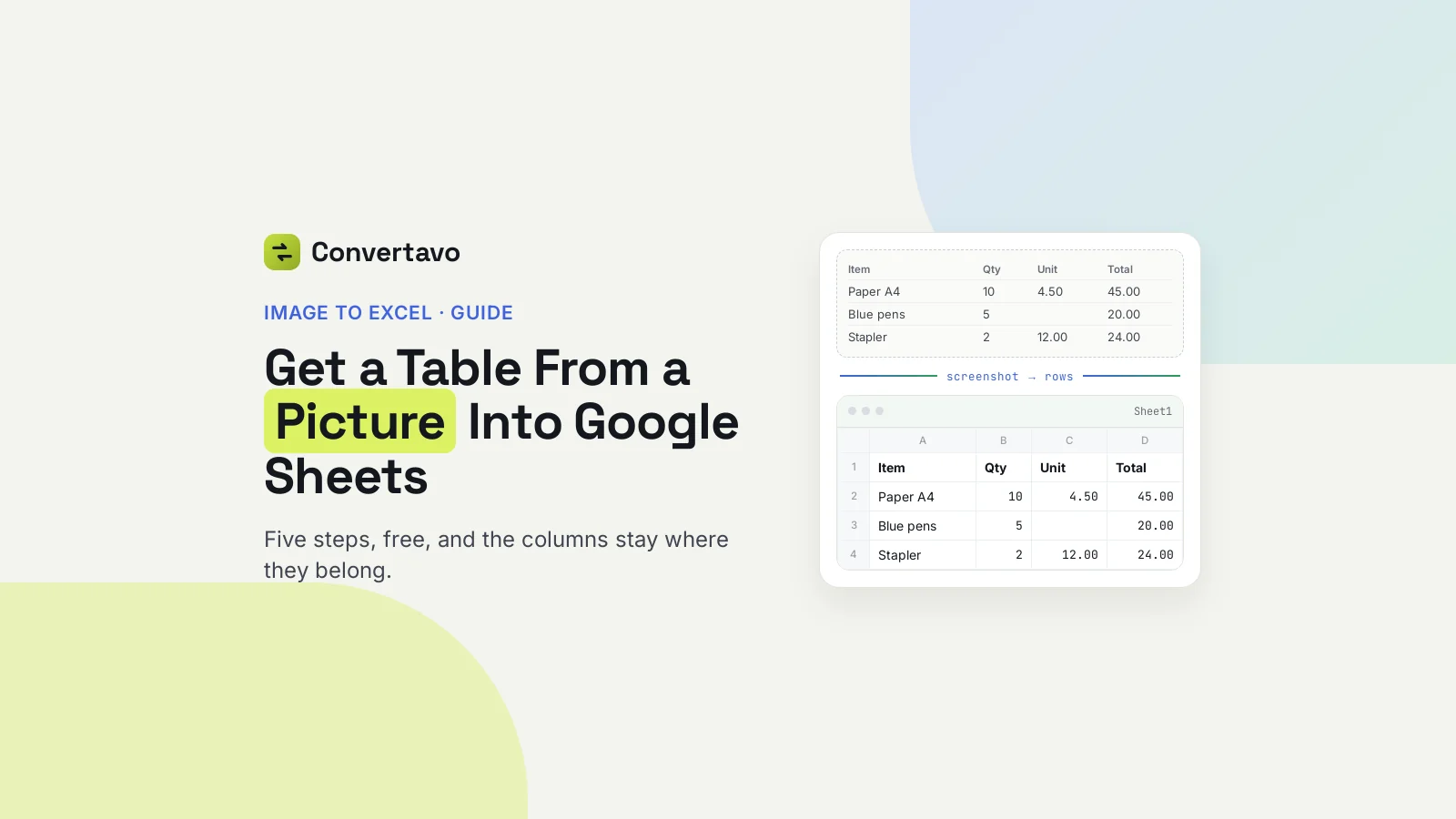 OCR
How to Get a Table From a Picture Into Google Sheets
Turn a screenshot or photo of a table into rows in Google Sheets in about a minute, and keep blank cells and leading zeros where they belong.
Noman Mustafa
·
·
10 min read
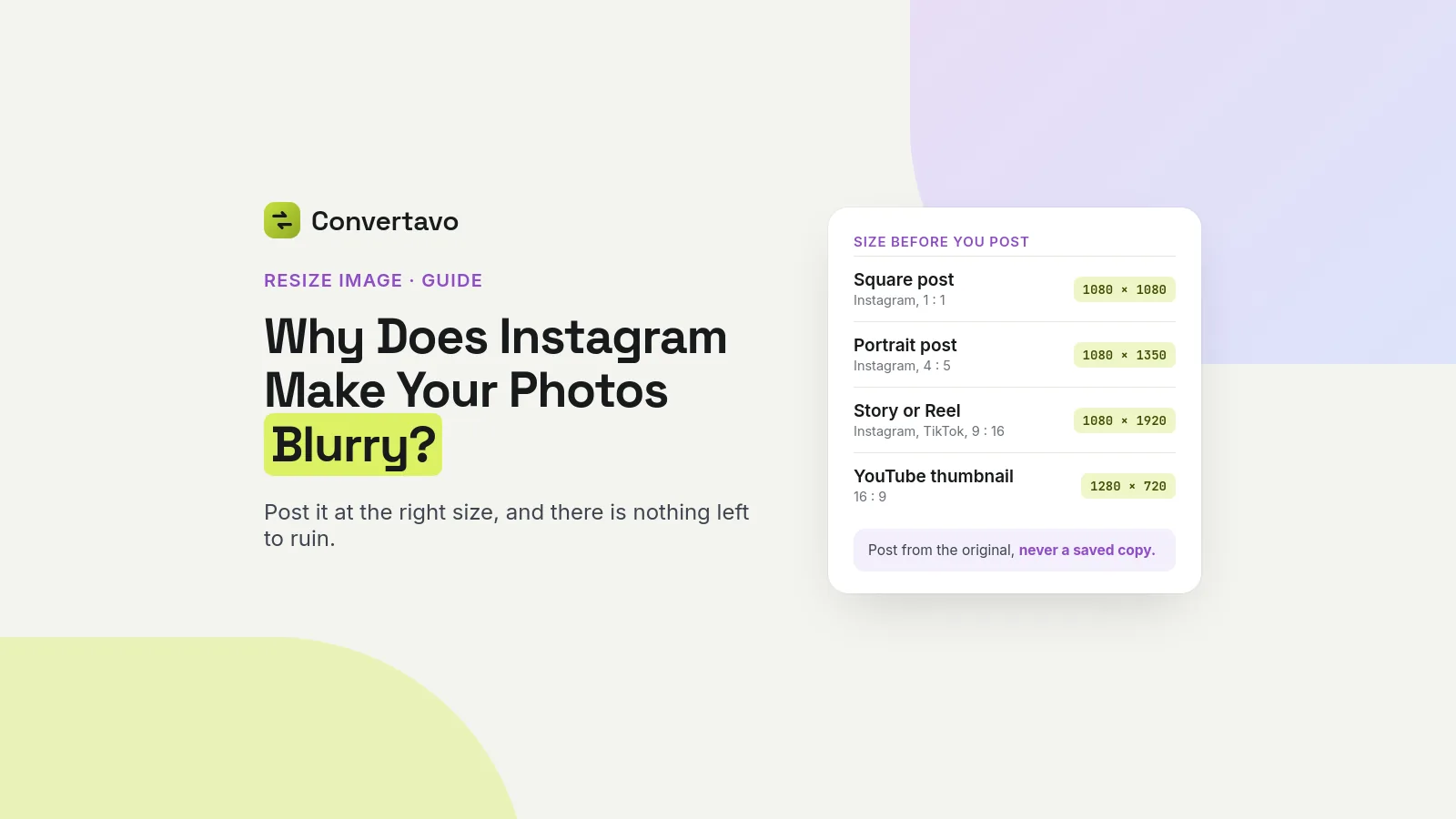 Images
Why Does Instagram Make Your Photos Blurry?
Instagram blurs photos because it resizes and re-compresses them. Post at the size it wants, from your original, and there is nothing left to ruin.
Noman Mustafa
·
·
8 min read
 Images
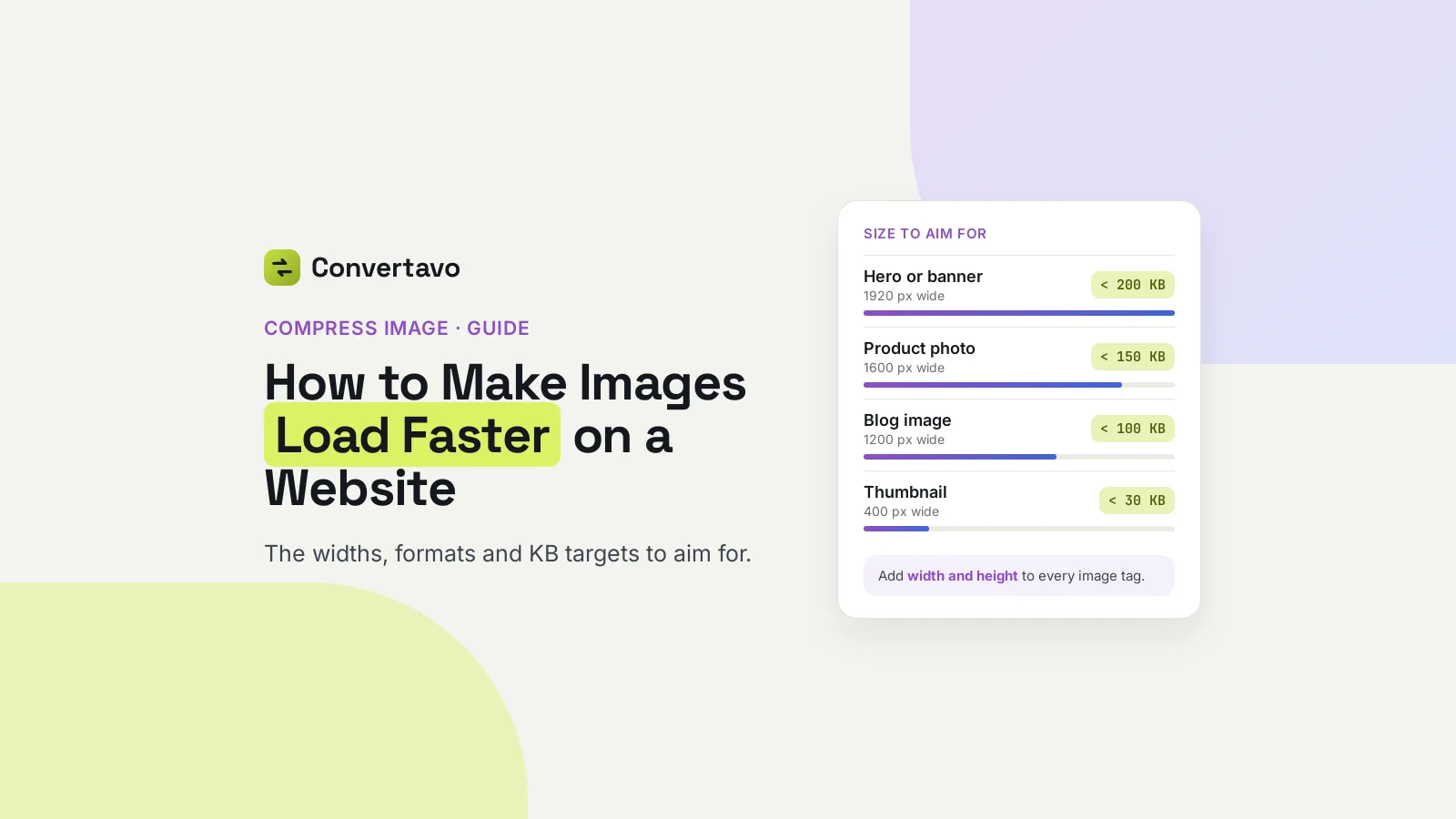
How to Make Images Load Faster on a Website
The exact pixel widths, formats and KB targets that make images load faster on a website, plus the free setting most sites forget.
Noman Mustafa
·
·
9 min read
 Images
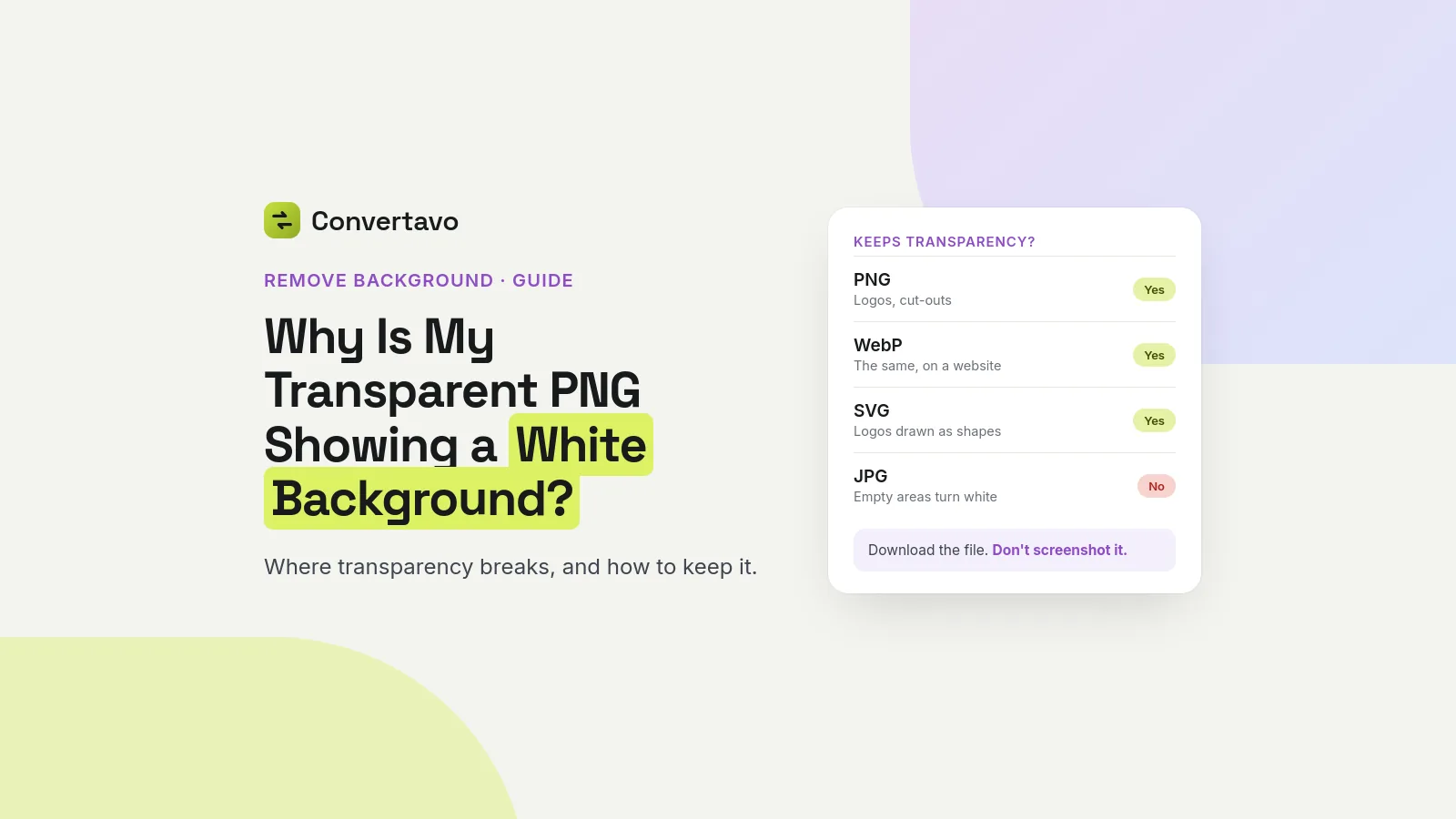
Why Is My Transparent PNG Showing a White Background?
Your transparent PNG looks fine on your computer and white everywhere else. Here is where transparency breaks, which formats keep it, and the fix.
Noman Mustafa
·
·
8 min read
Most read
Where to start
The articles here are practical. Each one starts from a real job — sending a PDF that is too big for email, turning a scan into text you can edit, picking the right image format, reading a QR code someone sent you — and explains the steps and the settings that actually change the result. Most of those jobs map onto one of the tools below, so this page is also a quick guide to which one to open.
QR codes
Start with the guide to the free QR code generator: links, WiFi networks, WhatsApp chats and contact cards, adding a logo without breaking the scan, and how large to print a code so phones can read it. To read a code instead, the QR code scanner guide shows how to scan one from a screenshot, a PDF or your camera, and how to check where a link goes before you tap it.
PDFs
Compress PDF shrinks a file for email or an upload form (the file size limits for email and apps says how small it needs to be), Merge PDF and Split PDF combine or separate pages, and PDF to Word, PDF to Excel and PDF to JPG turn a document back into something you can edit or share as a picture. JPG to PDF goes the other way and collects photos or scans into one file. Sent an invoice that has not been paid? Here is what to do when a client does not pay.
Text in images and scans
Image to Text copies the words out of a photo or a screenshot, PDF OCR makes a scanned PDF searchable, and Image to Excel rebuilds a photographed table as a spreadsheet. A sharp, straight, evenly lit picture makes more difference to the result than any setting does. For the built-in ways on iPhone, Mac and Windows too, read how to copy text from an image.
Images and AI
Compress Image makes photos small enough for email and the web, PNG to JPG and the WebP Converter switch formats for apps and websites that insist on one, and Remove Background cuts out a subject or a logo. For the widths and KB targets a website needs, read how to make images load faster. To ask whether a picture was made by AI, the AI Image Detector gives an estimate with how sure it is — not proof — and says so when it cannot tell. If a detector has flagged your own photo, here is how to prove a photo is not AI generated.
Stuck on a file problem these do not cover? Tell us what you are trying to do, or see every tool.