All Images articles
 Images
Why Does Instagram Make Your Photos Blurry?
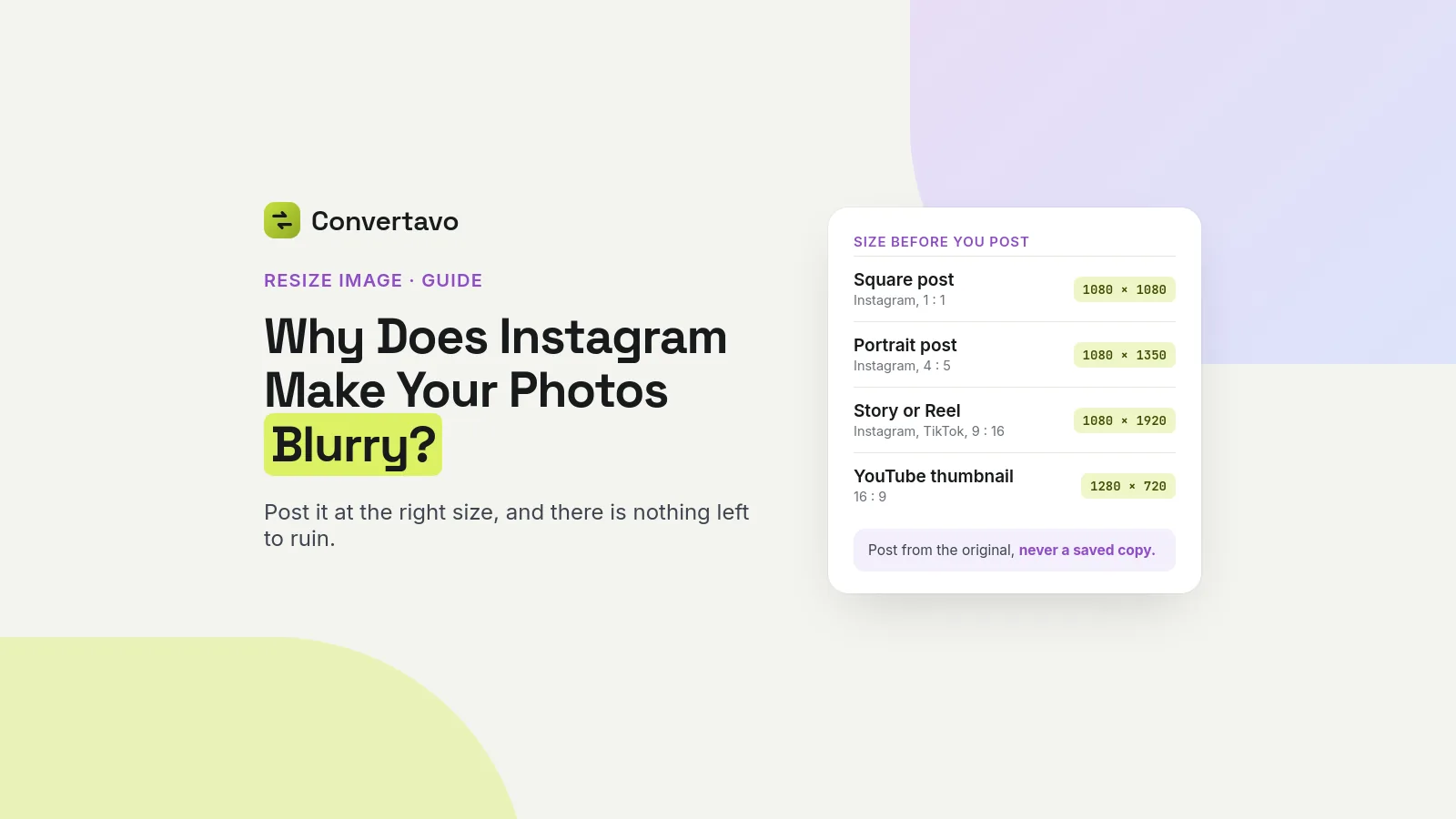
Instagram blurs photos because it resizes and re-compresses them. Post at the size it wants, from your original, and there is nothing left to ruin.
 Noman Mustafa
·
·
8 min read
 Images
How to Make Images Load Faster on a Website
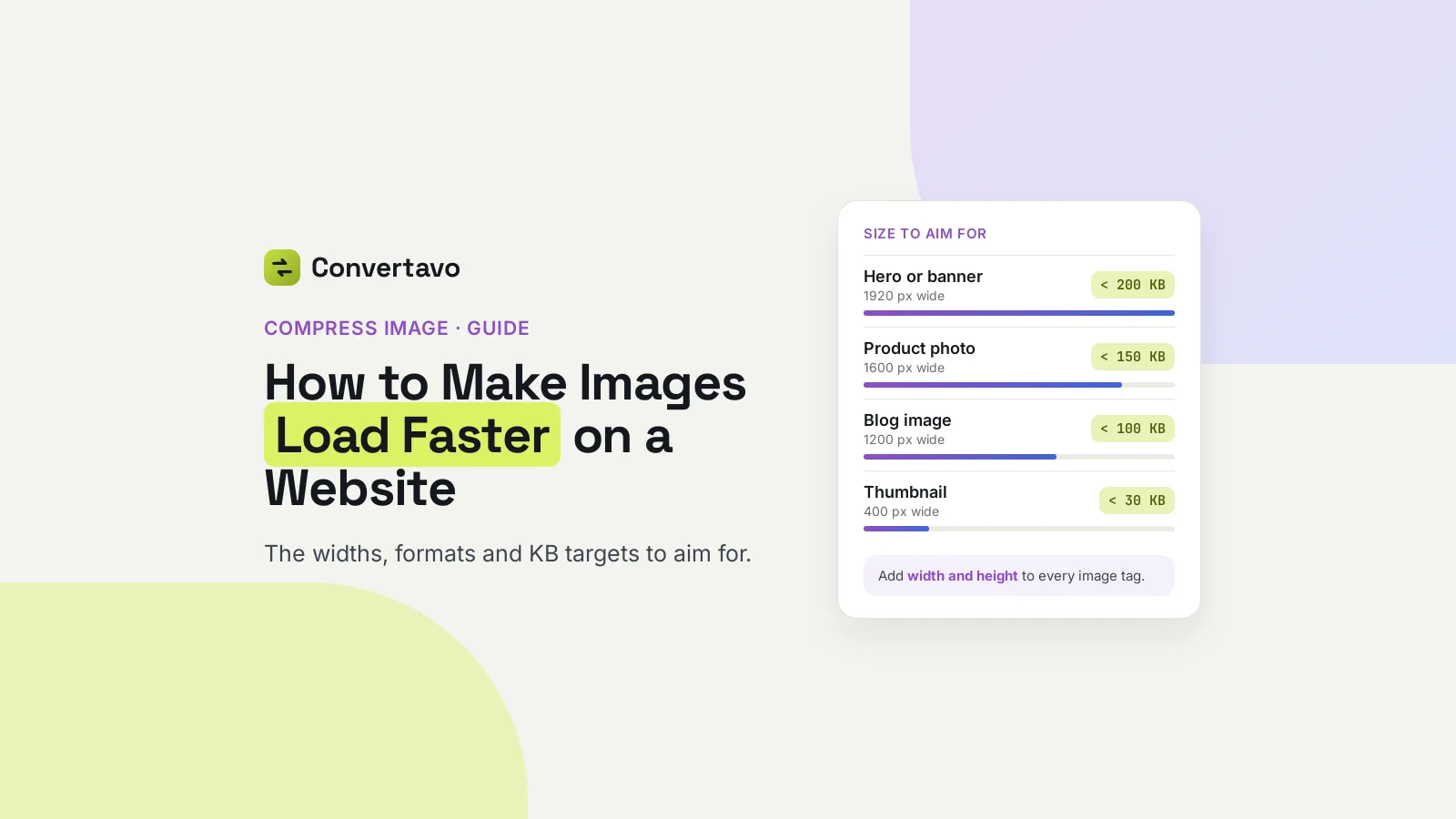
The exact pixel widths, formats and KB targets that make images load faster on a website, plus the free setting most sites forget.
Noman Mustafa
·
·
9 min read
 Images
Why Is My Transparent PNG Showing a White Background?
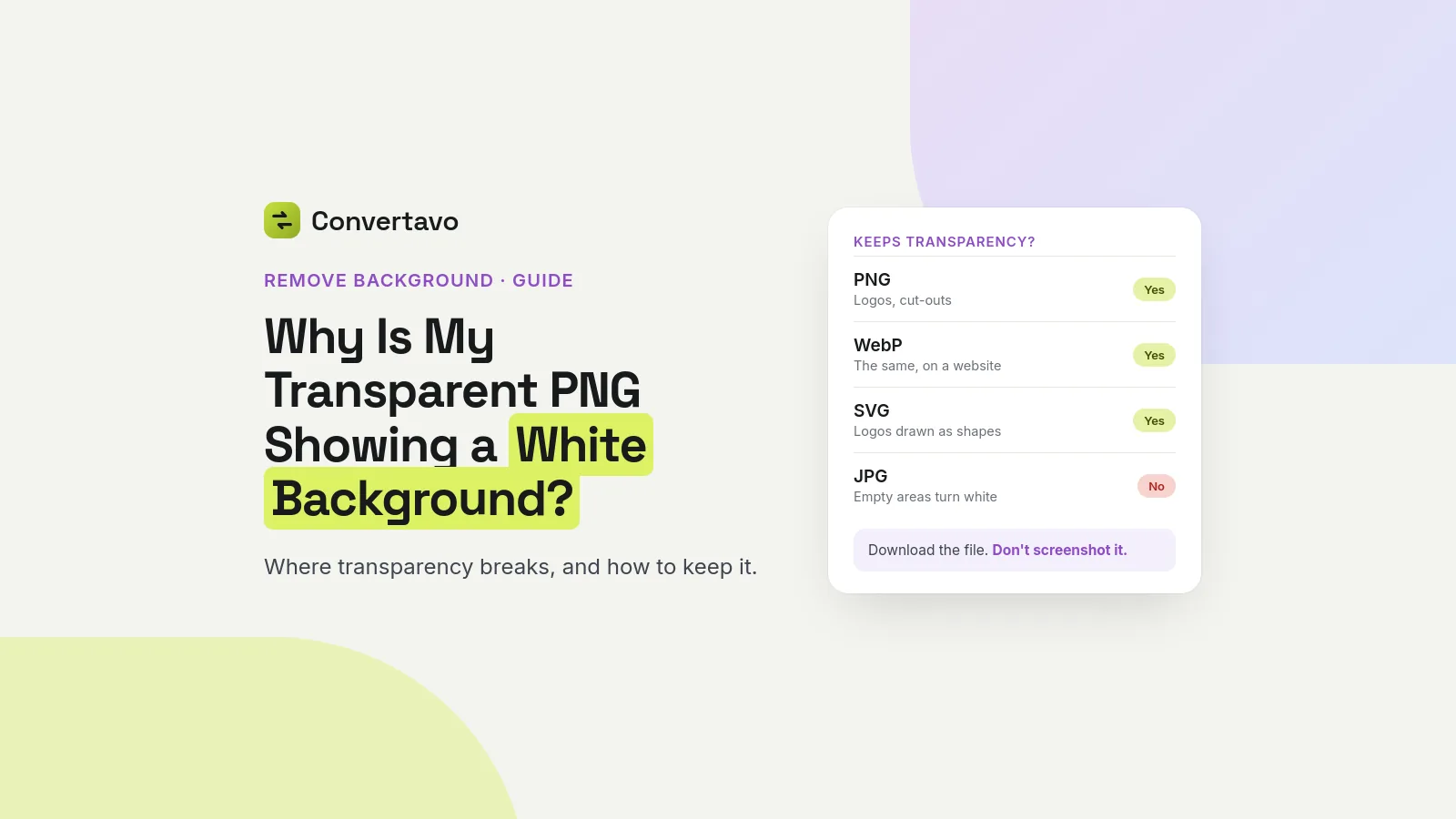
Your transparent PNG looks fine on your computer and white everywhere else. Here is where transparency breaks, which formats keep it, and the fix.
Noman Mustafa
·
·
8 min read
What these images articles cover
These guides deal with the image problems that waste the most time: pictures that make a website slow, transparent PNGs that suddenly have a white box behind them, and photos that look sharp on your phone and soft once they are posted. Each one explains why it happens before it explains the fix, because a fix only sticks once the cause is clear.
How to make images load faster gives the exact pixel widths, formats and file-size targets for a website, and the free setting most sites forget. In practice that means resizing to the width the page really displays, saving photos as WebP or JPG rather than PNG, and compressing until the file is a fraction of its original size. Resize Image and Compress Image do both steps, and the WebP Converter switches the format.
Why a transparent PNG shows a white background walks through where transparency breaks: formats that cannot store it, such as JPG, and apps or upload forms that flatten it on the way in. It explains which formats keep a transparent background and how to check a file before you send it. Remove Background gives you a PNG with the background already cut away.
Why Instagram makes your photos blurry explains the resizing and re-compression every upload goes through, and how to post at the size Instagram wants, from your original file, so there is nothing left for it to ruin. The same idea, starting from the original and resizing once, applies to any site that re-processes what you upload.
One habit runs through all three: keep the original file and make every change from it, once. Each time a photo is compressed, resized or saved as JPG again it loses a little more detail, and a picture that has been through a chat app, a screenshot and an editor can look worse than any setting could explain. Start from the original and most of these problems never appear.
Want a job explained that is not here yet? Tell us what you are trying to do, or browse every article.